

 Landscaping business owners may have heard the term “landing page” when talking about their current website or a new website that a web design agency should create.
Regardless of which of these two scenarios applies to you, it is not only important that your website has one or more landing pages, but it’s also important that they are effective.
What Is a Landing Page?
If you’ve never heard of the term “landing page,” it’s a simple, single page on a website that visitors arrive at from other websites, email links, paid ads, or search engines. It goes by many names – lead capture page, single property page, static page, squeeze page and destination page, all refer to the same thing.
It’s a simple page with a single goal to make it easier for the viewer to decide and act. A website can have several landing pages with different goals. It can be a signup form with something free in exchange, or a click-through landing page, which is more focused on making sales.
For a landscaping website, typical landing pages have buttons with call-to-actions (CTAs) like “Get a Free Quote Now” or “Schedule an Appointment Today”.
Making effective landing pages can be difficult, so make sure to check out our tips on how to design them.
The Benefits of Landing Pages for Your Landscaping Website
Before we go into our tips for creating the best landing pages, here’s a quick summary of how effective and eye-catching landing pages can be beneficial for your landscaping business.
#1 – Encourages visitors to provide an email address or phone number and gives you permission to contact them.
#2 – Can encourage visitors to click through to another page on your website, increasing website traffic.
#3 – Can convince visitors to make a purchase. In fact, websites with 10 to 15 landing pages get a 55% increase in leads on average.
#4 – Can encourage visitors to leave a rating or feedback.
#5 – Can create a memorable experience with a strong brand identity so the viewers will remember your website in the future, potentially coming back for a sale or recommending your service to others.
#6 – Can boost your credibility with inserted trust signals such as testimonials, partnership badges, influencer endorsements, awards, or statistics.
This is an impressive array of benefits, but they will only appear if your landing page is designed correctly.
Web Design Tips for the Best Landing Pages for Your Landscaping Website
To create effective landing pages for your landscaping website follow these five landing page design tips.
#1 – Write a Great Headline
This is without a doubt the most important element of any landing page. If the headline does not capture a visitor’s attention or curiosity, they’ll click away immediately. You should take the time to ensure that the headline for each of your landing pages is as good as it can be. You should also split-test headlines to see which ones retain the most visitors and trigger the most actions.
Keep it short, and simple, and avoid using confusing or highfaluting words. Use words that encourage them to act right away like “last chance”, “now” or “today” or words. You can also use words that drive the benefit of using your products and services.
#2 – Use Only High-Quality Images
Did you know that, when it comes to recalling information, people are more likely to remember images compared to data in text form in what is known as the Picture Superiority Effect? What’s more, humans can identify images as fast as 13 milliseconds.
Considering these, using high-quality and appealing images can help you make viewers remember your brand and website more and increase your sales by getting them to make faster decisions.
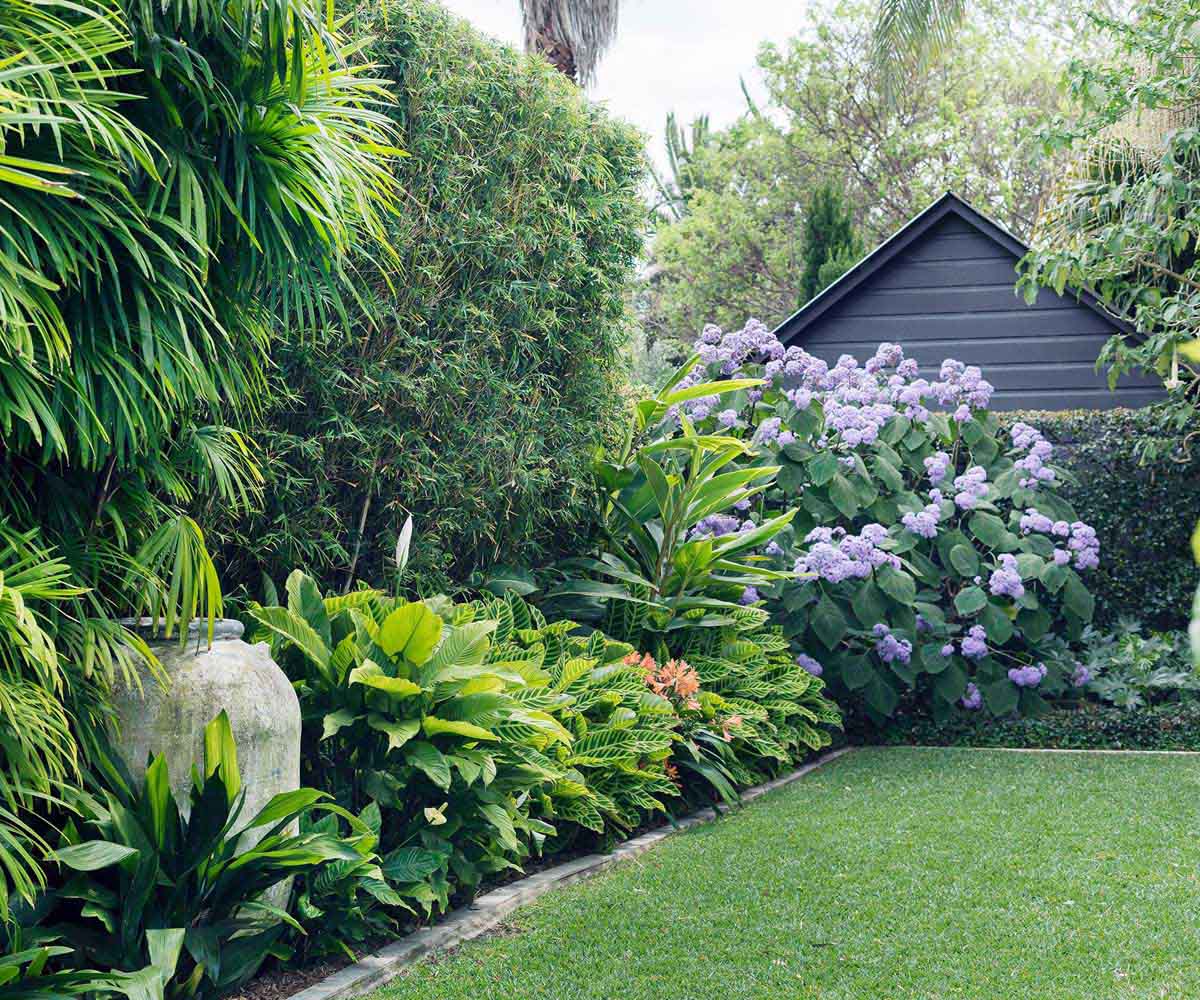
Fortunately, one aspect of landing pages is that they don’t usually contain a lot of content, and the main content is usually in the form of images rather than text. Additionally, you want the image to stand out, whether through colour or the subject depicted, such as a stunning landscaped garden.
#3 – Create a Landing Page for Each Service or Promotion
We often hear the term “my landing page” in the singular, which suggests that the website owner only has one landing page on their website. This is fine if there is only a single product, service, or promotion. However, we know that landscape gardeners offer a range of services to their clients. Therefore, we recommend that you create one landing page for each service or promotion to maximise its impact on those who are looking for it.
Another reason to create separate landing pages for each service or promotion is that having more than one on a single landing page can decrease conversion rates by up to 266%.
#4 – Use a clear call to action that leaves no room for confusion
The most effective landing pages always have only one purpose, and you need to make it clear to visitors to your landing page what that purpose is, or more specifically, what action you want them to take on your landing page. Whether you want them to click a link, enter an email address, or call you at your phone number, make sure your call to action is big, clear, and unambiguous.
#5 – Keep your landing page forms simple
For your landing pages, make sure that the form is simple enough that even a toddler can understand it. We say this with no disrespect to your visitors, but trust us: the simpler your form is and the fewer fields it has to fill out, the more form submissions you’ll receive.
A good number to start with is four fields. According to research, by limiting the fields in your landing page forms to four, you can increase your conversions by up to 120%. By doing this, your visitors will have less work to do and it won’t consume much time, so they’re more likely to fill it out. Of course, there’s no one-size-fits-all so you should still experiment and see what works best for you.
What’s more, you should refrain from asking for their age, telephone number, and address since these have a tendency to cause a drop in conversions. People consider these as confidential information and might feel like you’re invading their privacy.
In terms of reading difficulty level, a landing page with a 5th to 7th grade level has been found to have the highest conversion rate at 11.1%. The more complex the landing page is, the lower the conversation with college or university level of writing converting 5.8% less.
Bonus: Optimise for Mobile
According to a recent study, the traffic share of landing pages of mobile devices is a whopping 82.9% while desktop devices only account for 17.1%. However, only about 50% of landing pages have been optimised for mobile.
Ensure your landing page is responsive so it looks as just eye-catching as it does on a desktop. Moreover, mobile devices have smaller screens so you’re landing pages should be as succinct as possible. Keep your headings and sentences short. You can also use a bullet point to make it easier on the eyes.
Of course, you need to make sure that your landing pages load quickly on mobile devices as well. One of the best ways to do this is by limiting the images and videos that you use and compressing them so that they have a smaller file size without sacrificing quality.
Bonus #2: Use Video Elements
Videos are a great way to show your visitors a lot of information in just a short period of time. In fact, by incorporating this type of element, your landing page conversions can get as much as an 86% boost.
The content of your video depends on your products or services. For a landscaping website, a before and after video of some of your projects can speak more than a thousand words. Aside from the CTA on the other parts of your landing page, you should also include a CTA in your video so viewers know clearly what they need to do next.
Just make sure that if your video has sounds, it is set to never autoplay since this can cause visitors to click away. For example, if the person viewing your landing page is at the office without any earphones on, they’ll most likely click away.
Finally, just like with your images, you need to optimise the videos for your landing pages so that they load quickly. Aside from compressing the video to minimise its file size, you should also consider hosting it on a third-party site like YouTube.
Final Words
Designing a landing page that converts relies on several factors. To take the guesswork and hassle out of creating effective landing pages, you can rely on a professional web design company. Aside from knowing the latest trends, they can deliver faster and better results since they already know the ins and outs of crafting the best landing pages for all kinds of websites.